How to fork cornerstone-community#
Here, we have a visual guide on the submission process flow within CORNERSTONE Community Repository over the web interface of GitHub. You can use and download the components directly without forking; you can use the repository to fit your needs, and then fork it when you want to contribute.
Go to the community repository and “fork” it. Forking allows the user to create a clone of a repository under their own GitHub account, allowing the user to build a personal project based on the source code through version releases without directly modifying the source (see documentation on GitHub Docs for more details).
Fork-> Create new fork:
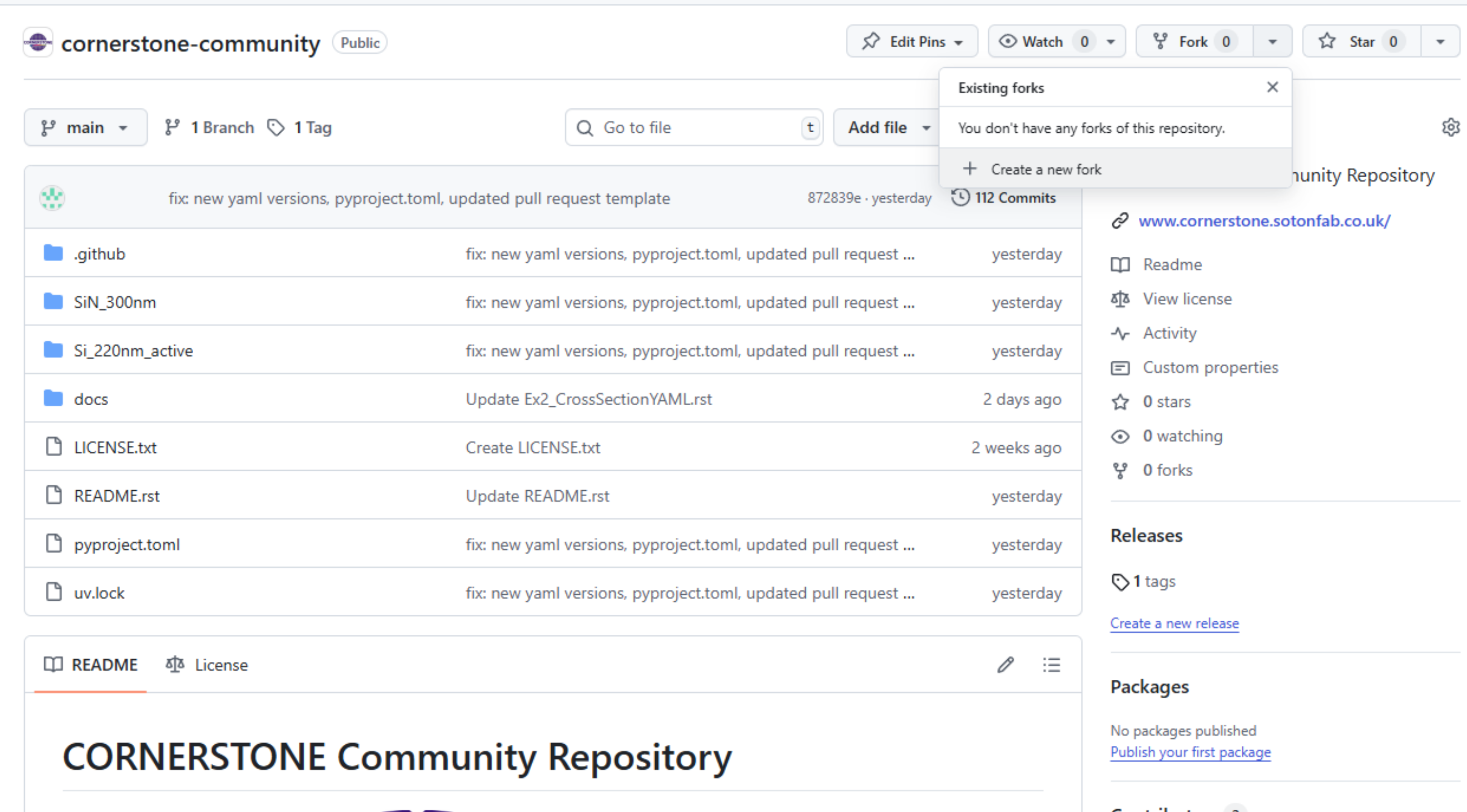
This fork will now be hosted in your own user account. It will preserve its tie to the original repository, allowing you to synchronise with it following a content update. GitHub does not allow private forks if the original repository is public.
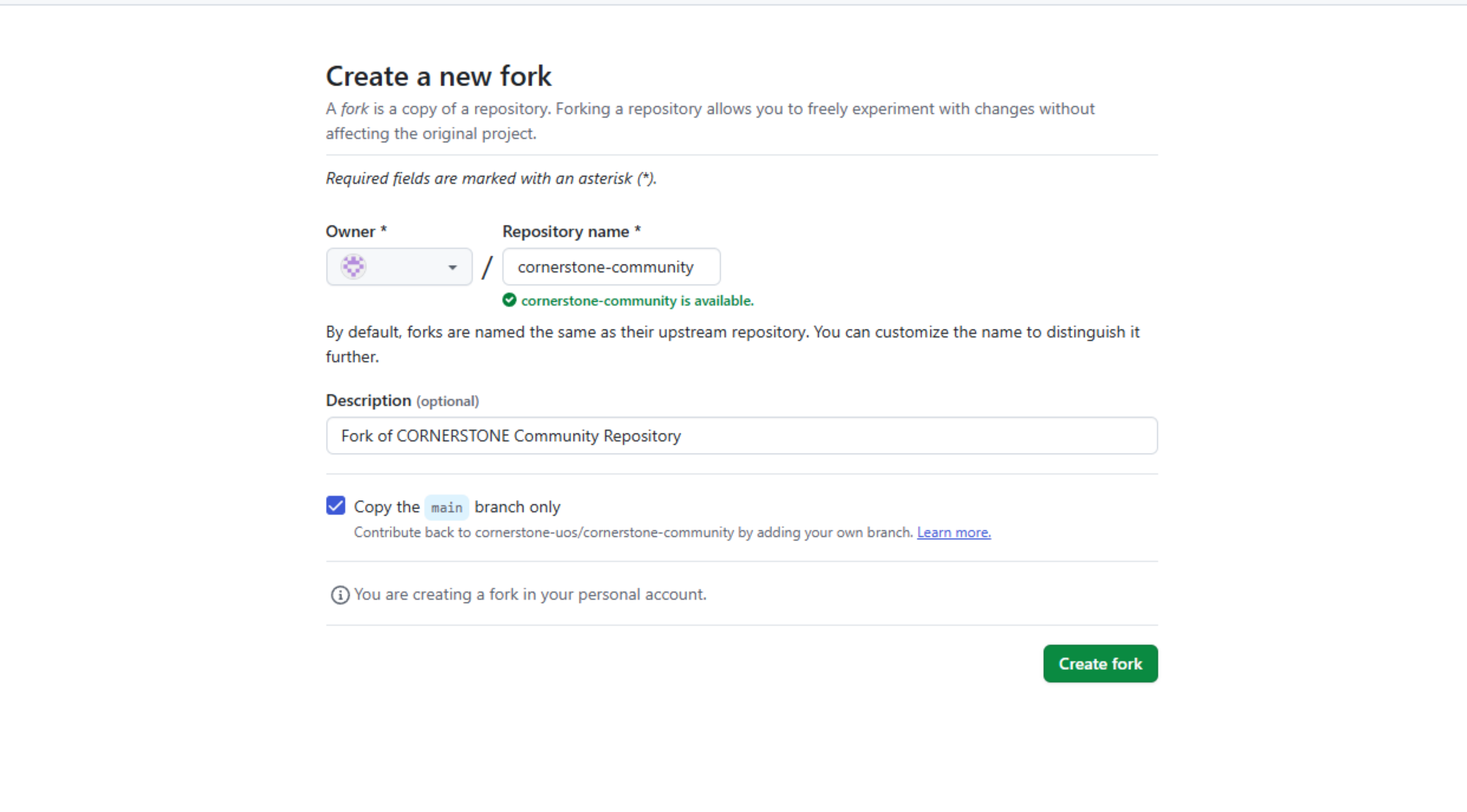
Forks allow you to submit contents to the original repository through pull requests (which actually creates a submission branch in the original repository).
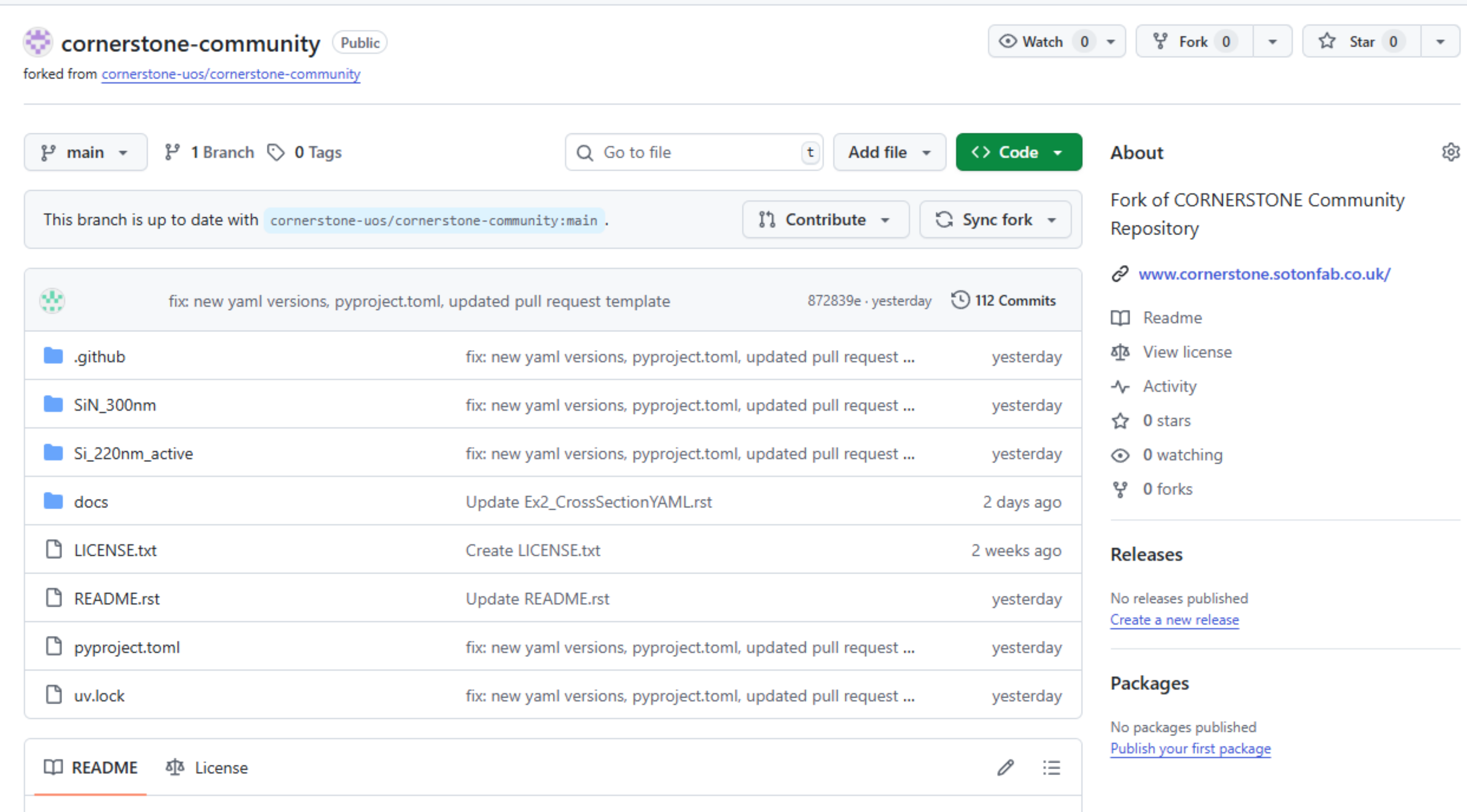
Congratulations, now you can go on and submit your designs.