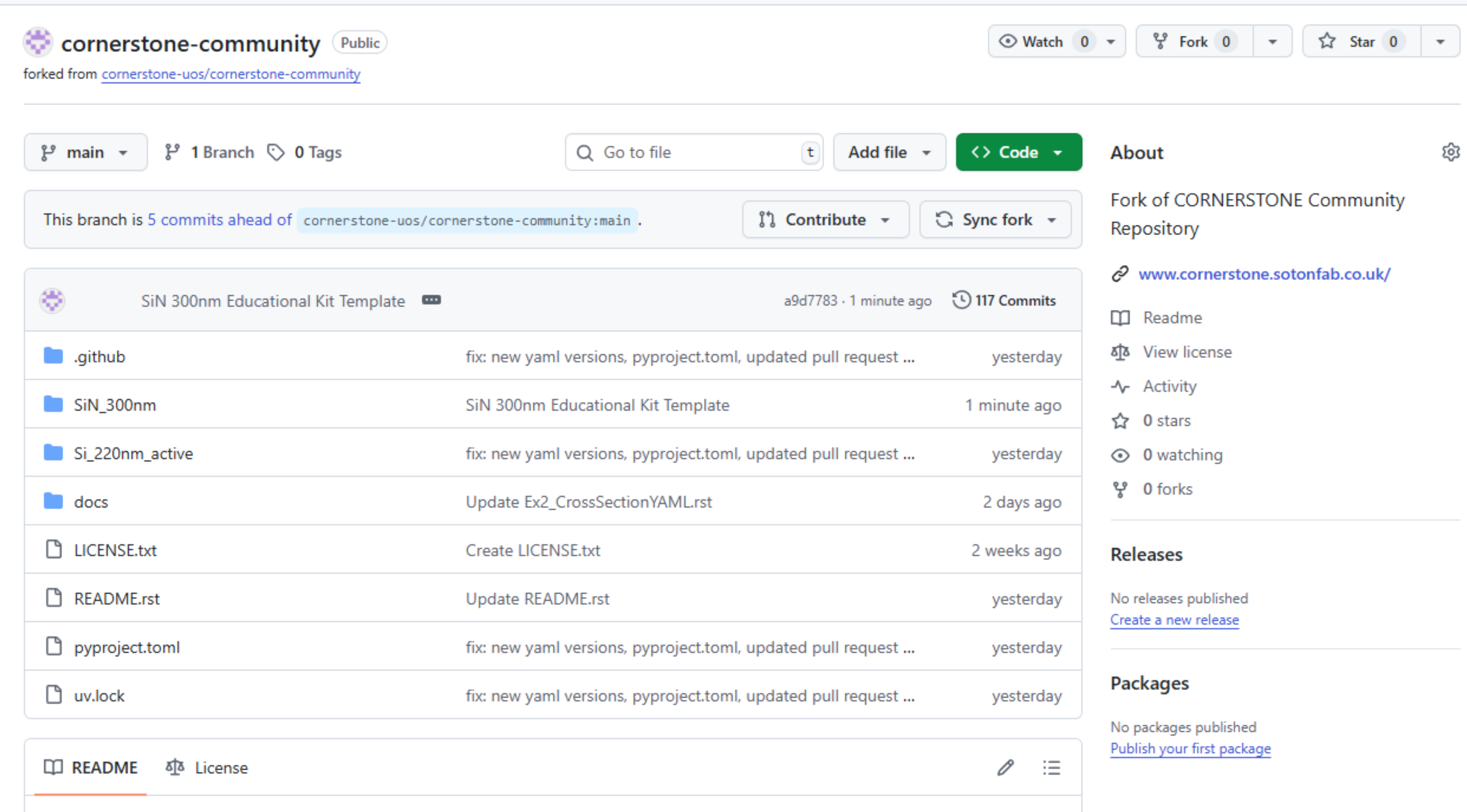
Upload files to your fork#
We are going to follow up with the files used in the Advanced submission guide, but nonetheless the steps are similar for a Basic submission.
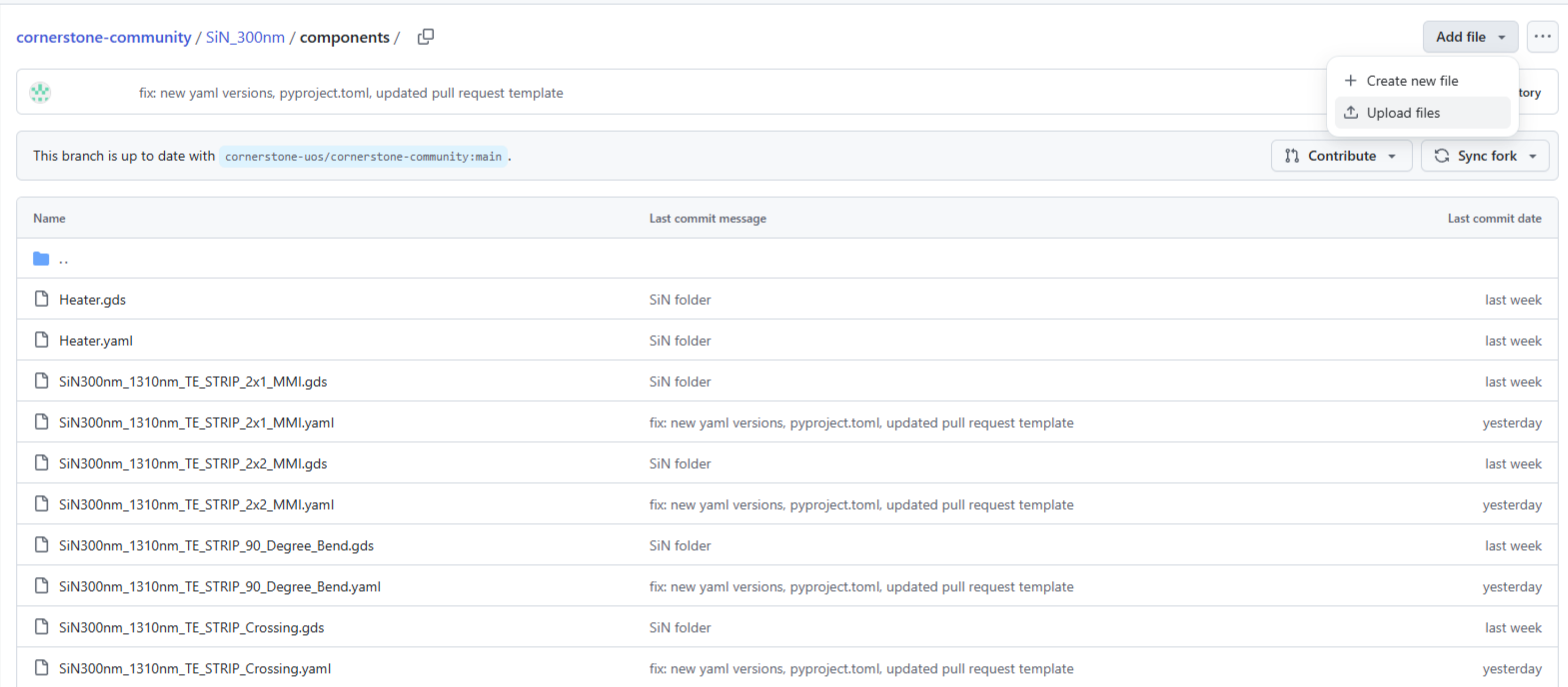
To upload the files through the browser in GitHub, go to the relevant folder (SiN_300nm/components in this case) and select Upload files from the Add files menu. As GitHub Web UI only allows uploads to a single folder at a time, you will need to upload new cross-sections (if they exist) over multiple commits - if you are using Git in your computer, then these can be done in a single commit.
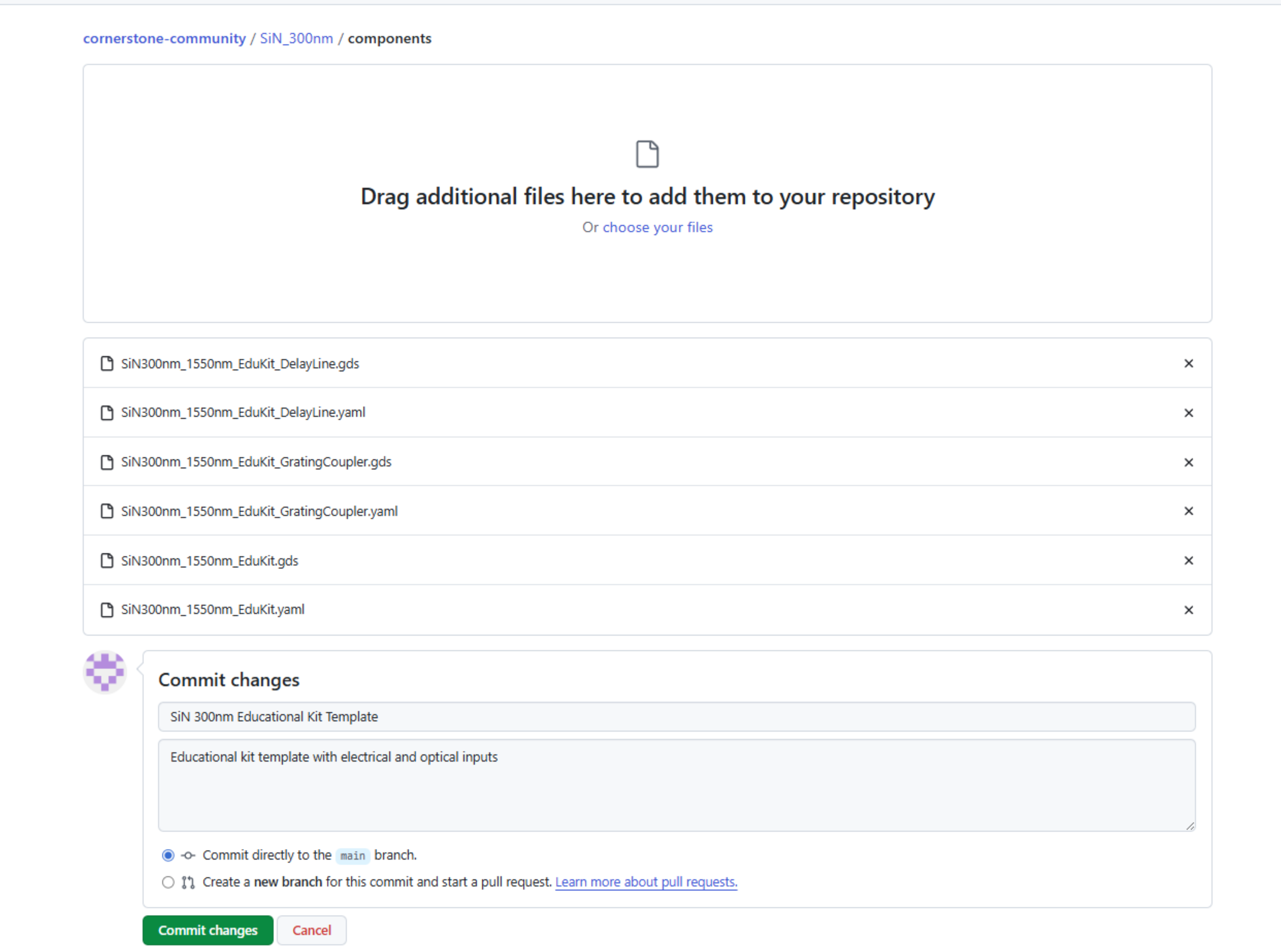
After the upload, you can specify the commit details for your benefit. Subsequently, you can commit directly to your fork’s main. Note: The second option will invoke a pull request within your fork. You are free to do so, but it is not necessary for our purpose. If you are concerned with tidiness of your main, you should create a new branch from the fork main and commit directly to that branch.
Your fork will look similar to the one below following the commit and push: